

Start the TUI
For most users, the right way to start is: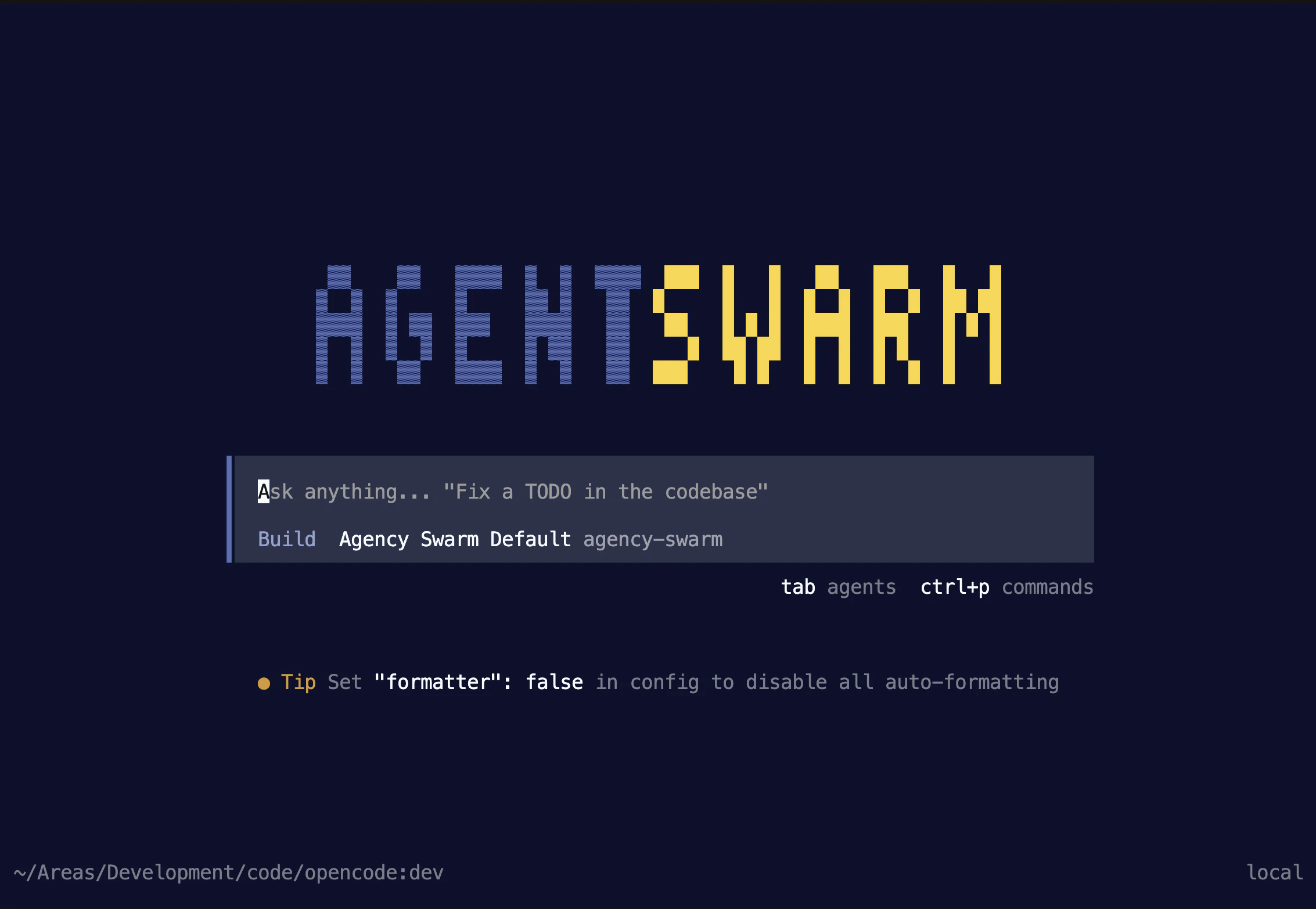
Before You Start
Make sure you have:- Node.js 20 or newer so
npxis available - Python 3.12 or newer available for Agency Swarm projects
- a model provider credential if you want to send prompts right away, or you can add it later with
/auth - an existing agency project, or a starting point from From Scratch or the Starter Template
What Happens on First Launch
On first launch, you will usually see this flow:1
Start the launcher
Start with
npx @vrsen/agentswarm.2
Choose or create an agency
The launcher can reuse the current Agency Swarm project, create a starter project, or connect to an agency that is already running.
3
Set up the project environment
The launcher checks for a project
.venv. If it needs to create one, it asks first and then installs the project dependencies before opening the TUI.4
Open the TUI and add auth if needed
The TUI opens for the agency you selected during onboarding. If you do not already have a usable model provider configured, use
/auth.What You Can Do in the TUI
Once the TUI is running, you get:- a keyboard-first terminal workflow
- session history, export, and
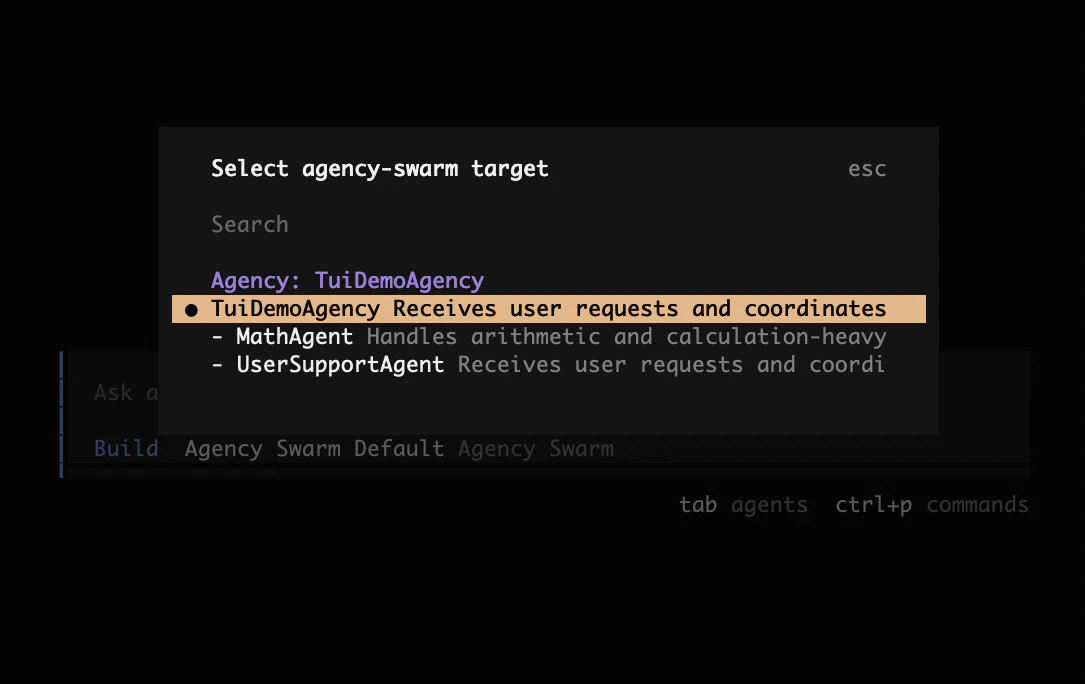
/compact /agentsto switch between Plan, Build, and Run, and to pick which swarm or agent gets your next prompt@AgentNamementions to route a prompt to a specific top-level agent@file and resource references when you start from a local projectTabautocomplete for both agent mentions and file and resource references
Plan, Build, and Run
/agents switches between three modes:
- Plan designs changes to your agency with the Agent Builder before any files change.
- Build implements those changes in your project files with the Agent Builder. Plan and Build work without a running Agency Swarm server.
- Run sends your prompts to your live agency through the Agency Swarm server.
Tab to toggle between Plan and Build, or to cycle through swarm targets while in Run.
Returning to Run after a Build session restarts the local server from your current project files and refreshes dependencies from your manifest, without upgrading packages that already satisfy it. If the agency fails to start, the full error stays visible in /agents so you can fix it in Build and retry.
Optional Paths
If this is your first run, you can ignore everything below.Connect to a running agency (optional)
Connect to a running agency (optional)
Use the same
npx @vrsen/agentswarm command, then choose Connect to a running Agent Swarm during onboarding. Inside the TUI, the same flow is available as /connect.The launcher asks for:- the Agency Swarm server URL
- whether the server needs a bearer token
- the agency id, if automatic discovery does not already find it
- a local Agency Swarm server is already running
- you want to connect to a remote Agency Swarm server
- the server is protected and needs a bearer token
/modelsdoes not switch the models configured inside your Agency Swarm backend yet- local file tools are not available; if you want the TUI to work directly on project files, start with
npx @vrsen/agentswarmfrom that project directory instead
Alternative: Launch from Python with agency.tui()
Alternative: Launch from Python with agency.tui()
If your project already launches from Python, Then start your project the usual way:This path stays bound to the exact
agency.tui() still works as the secondary entrypoint.Agency instance you passed in Python. It starts the local bridge for that agency, then opens the TUI connected to it.Use it when your team already starts the project from Python and you want a quick TUI test path without switching directories or changing entrypoints.tui(show_reasoning=False) is not supported in the new TUI yet.